In order to add or edit an Event you need to be logged in (KB Logging in)
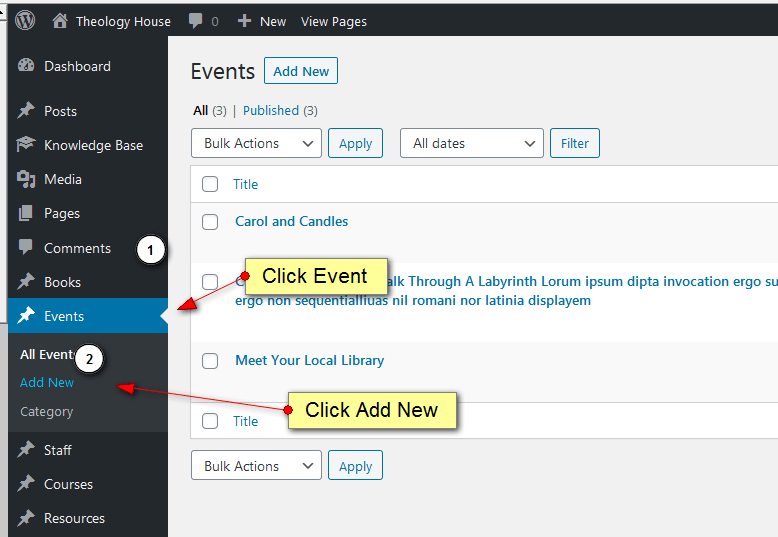
Click Events –> Add New (See below)
There are five tabs: Details, Requirements, More Info, Contact Details and Contact Forms
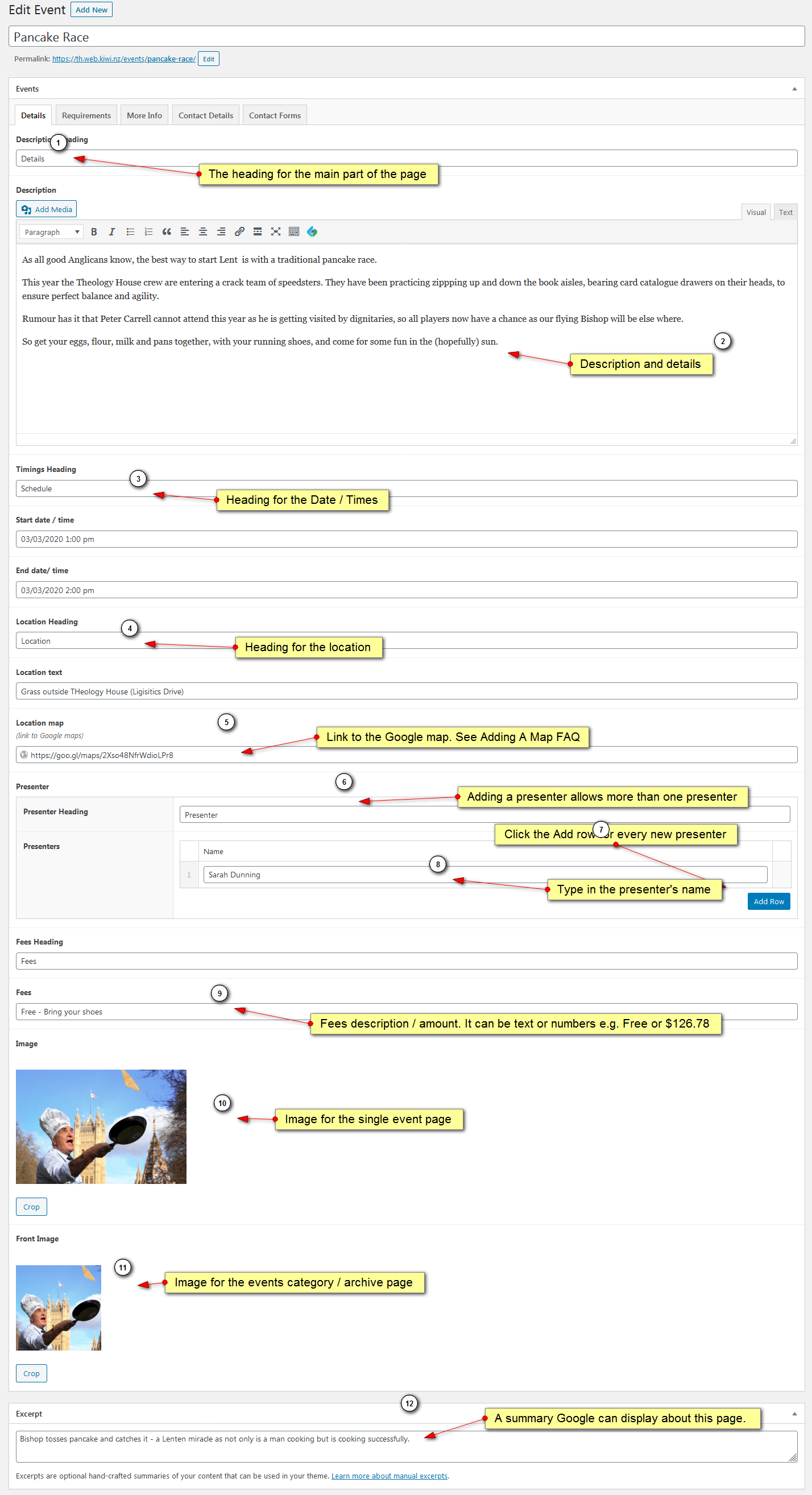
Fill in the fields as per the instructions below
Click Publish
Details Tab:
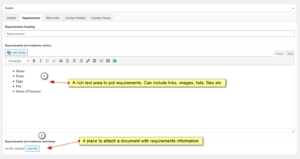
Requirements Tab:
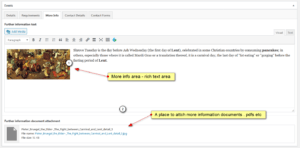
More Info Tab:
Contact Details Tab:
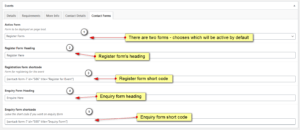
Contact Forms Tab:
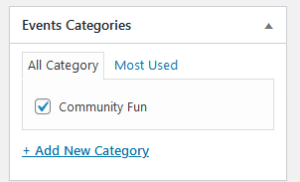
Categories:
The category section allows you to split up events into categories – which can be viewed by going to a page similar to theologyhouse.ac.nz/events_cat/category name
This is good from an SEO perspective and will also become part of the search engines findings.
Either click one or more categories or click Add Category then type in the name and add it.